Orders, kitchen, payments and the back office in one system, on hardware made for the counter.
Why Cashless AI POS
Designed with restaurant teams. Your floor, kitchen and office run on one system.
No workarounds. No add-ons.
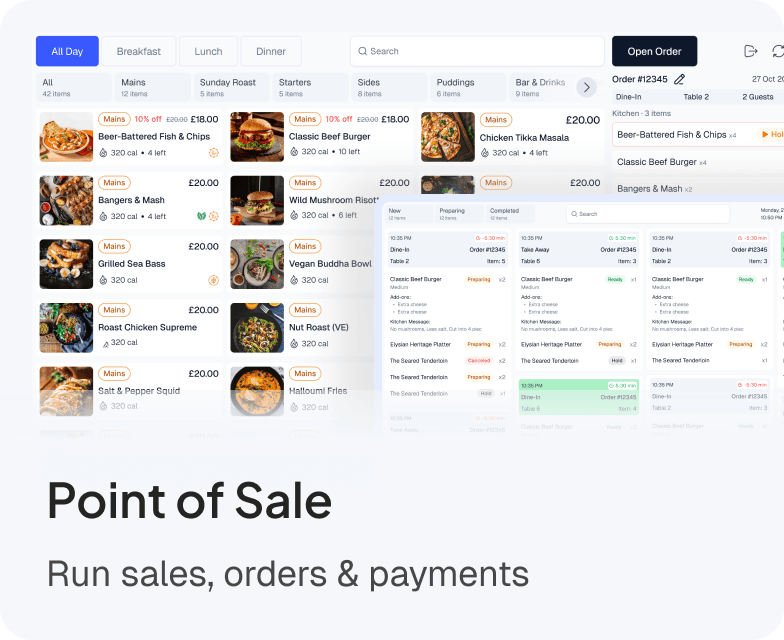
See who's seated, ordering or waiting.
Orders reach the right station, with a timer.
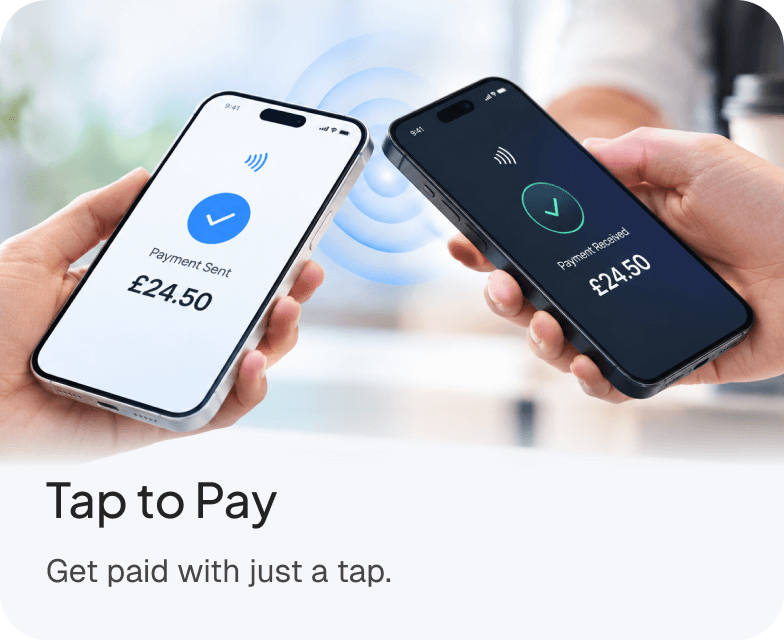
Guests tap their card or phone on their own screen.
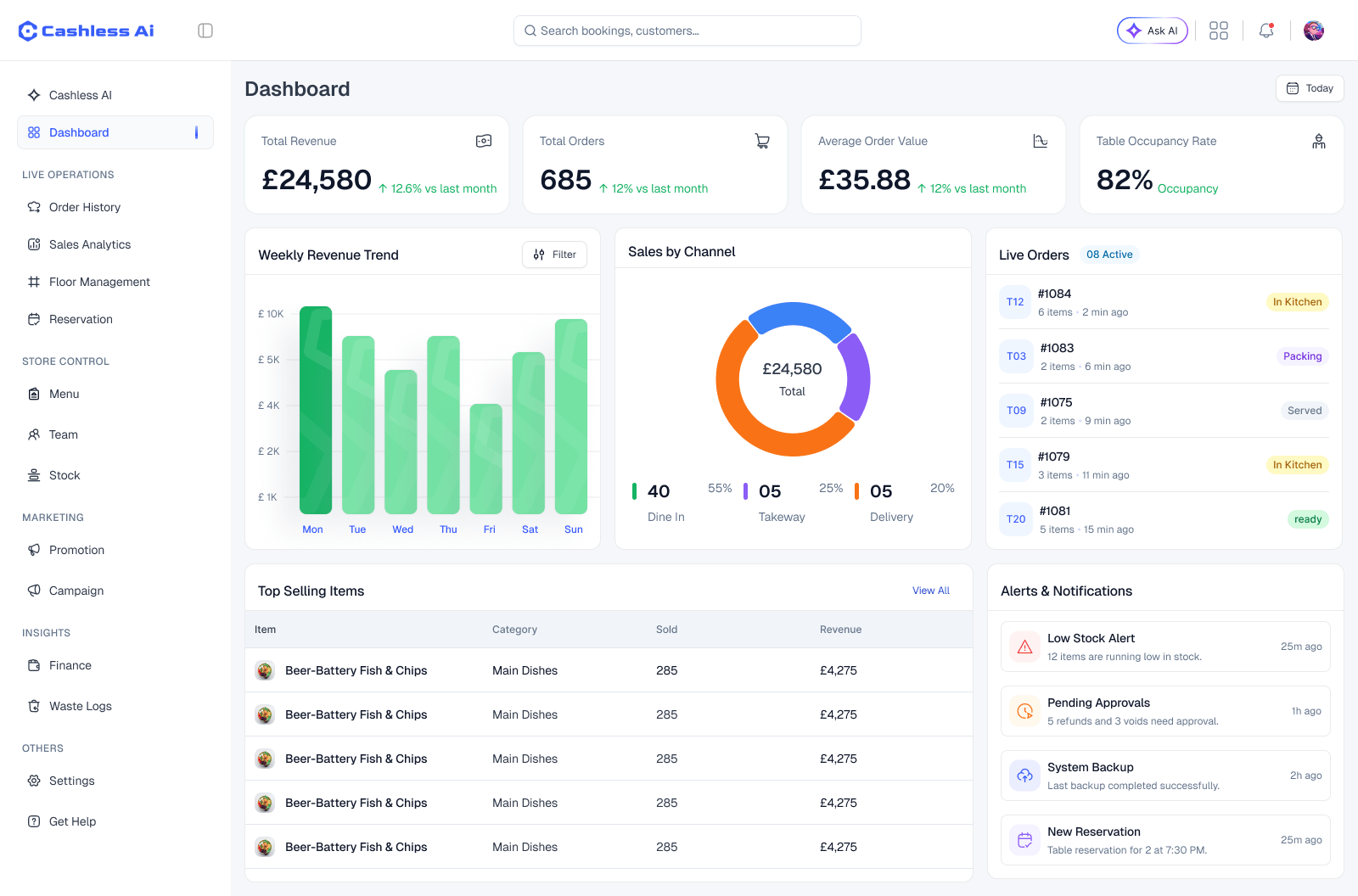
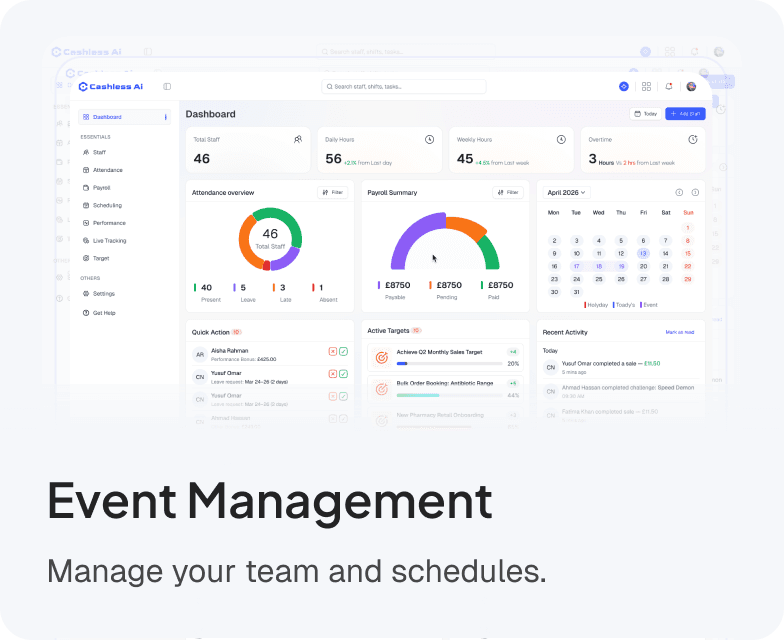
Sales, stock and staff, live on one dashboard.
Simplify workforce management, improve productivity, and keep your entire team connected.Simplify workforce management, improve productivity, and keep your entire team connected.
Visual Floor Plan
Live table status with timers and guest counts.
Table Merge & Transfer
Combine tables for large parties instantly.
Order Hold
Send starters now, hold mains for precise firing.
Role-based Logins
PIN access, auto-lock, five distinct staff roles.
Stock Control
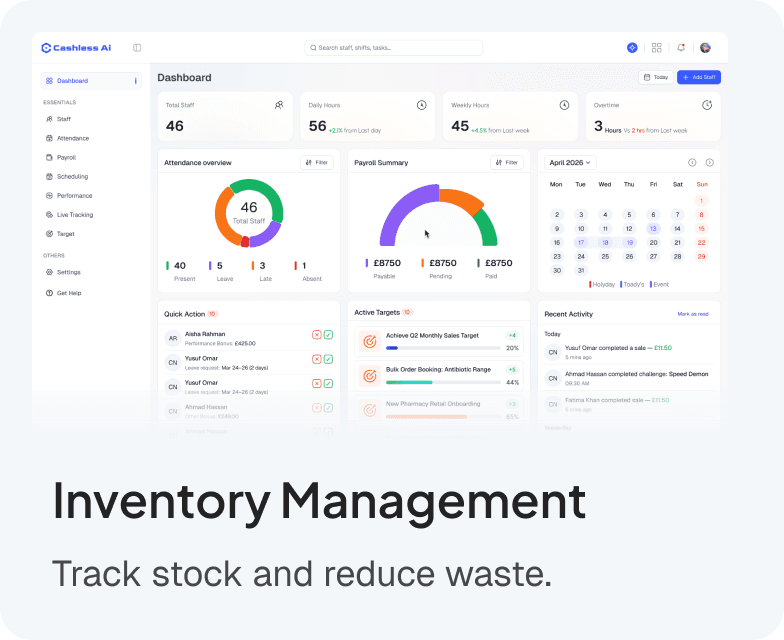
Daily/weekly sell limits, auto-disable items when stock hits zero.
Staff Management
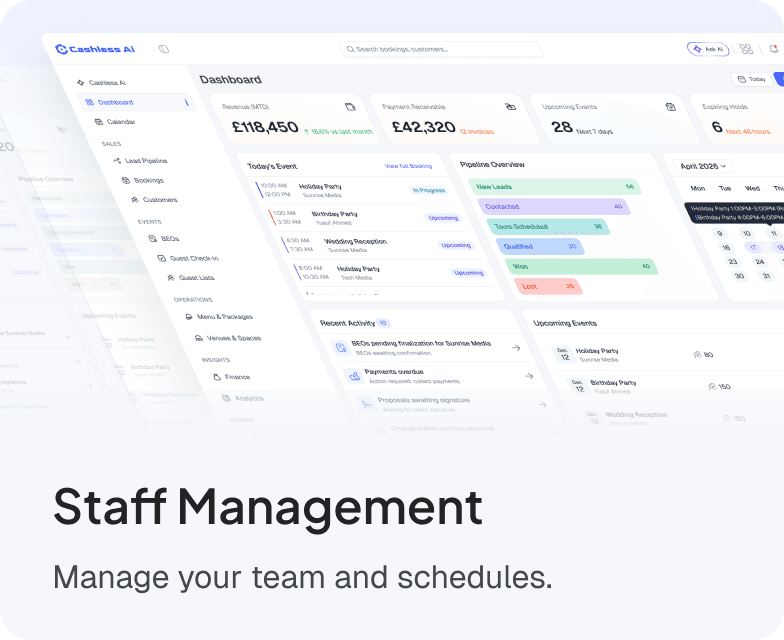
Profiles, clock-in/out tracking, and performance analytics.
Live Dashboards
Real-time look at revenue, covers, top sellers, and active tables.
Deep Reporting
Fully sortable, filterable, exportable CSV tables for accounting.
Real-time Order Cards
Table, round, waiter, special notes, and allergens shown at a single glance.
Colour-coded Timers
Configurable target prep times highlight orders falling behind.
Multi-station Routing
Instantly auto-filter items to the Food KDS vs the Bar KDS.
Void Visibility
Voided items are clearly struck through, never silently deleted.
Medium
Add-ons:
Extra cheese
Extra cheese
Kitchen Message:
No mushrooms, Less salt, Cut into 4 pieces
Medium
Medium
Add-ons:
Extra cheese
Extra cheese
Kitchen Message:
No mushrooms, Less salt, Cut into 4 pieces
Medium
Medium
Add-ons:
Extra cheese
Extra cheese
Kitchen Message:
No mushrooms, Less salt, Cut into 4 pieces
Medium
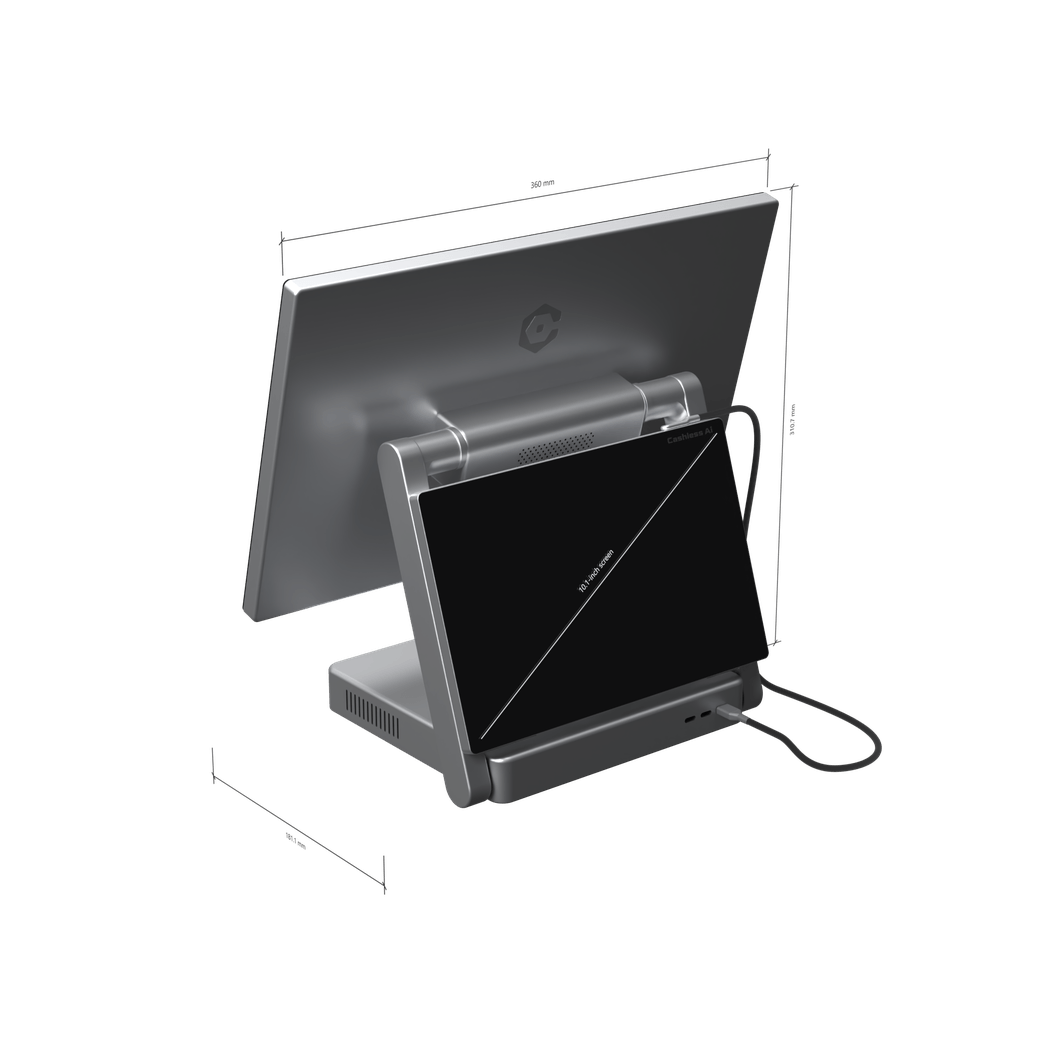
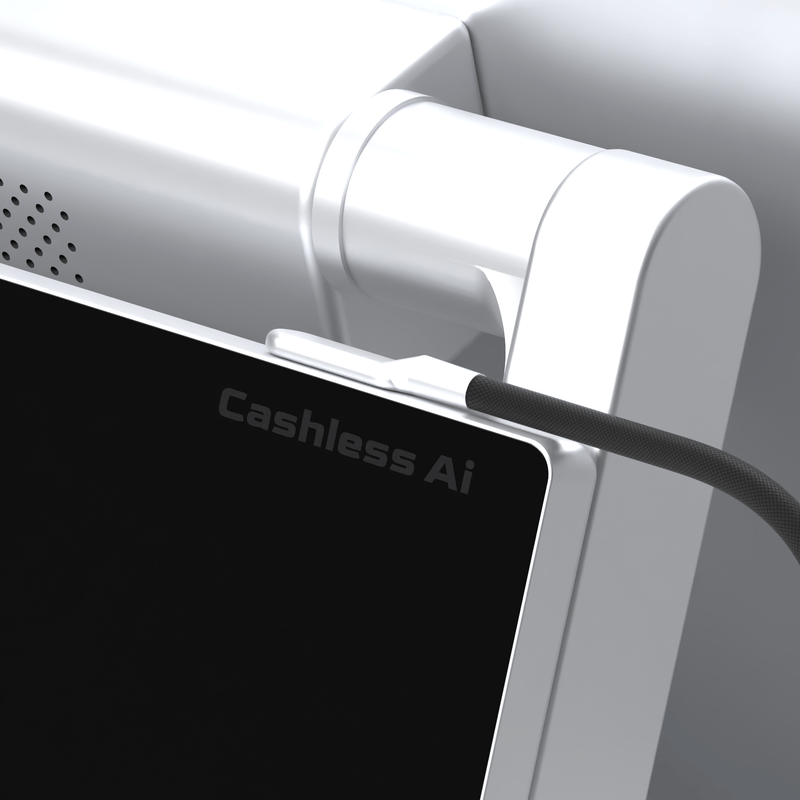
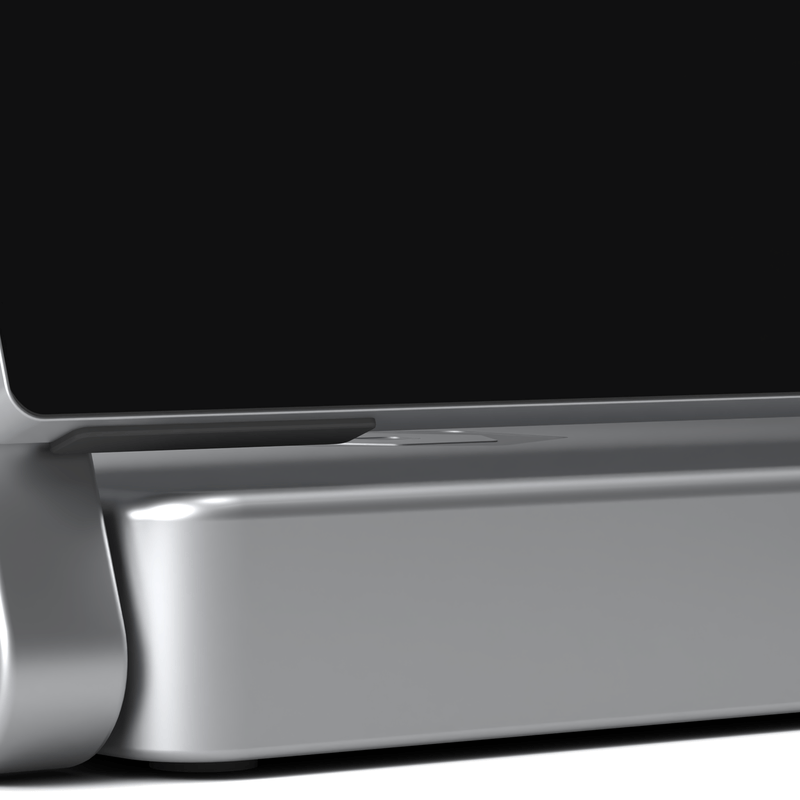
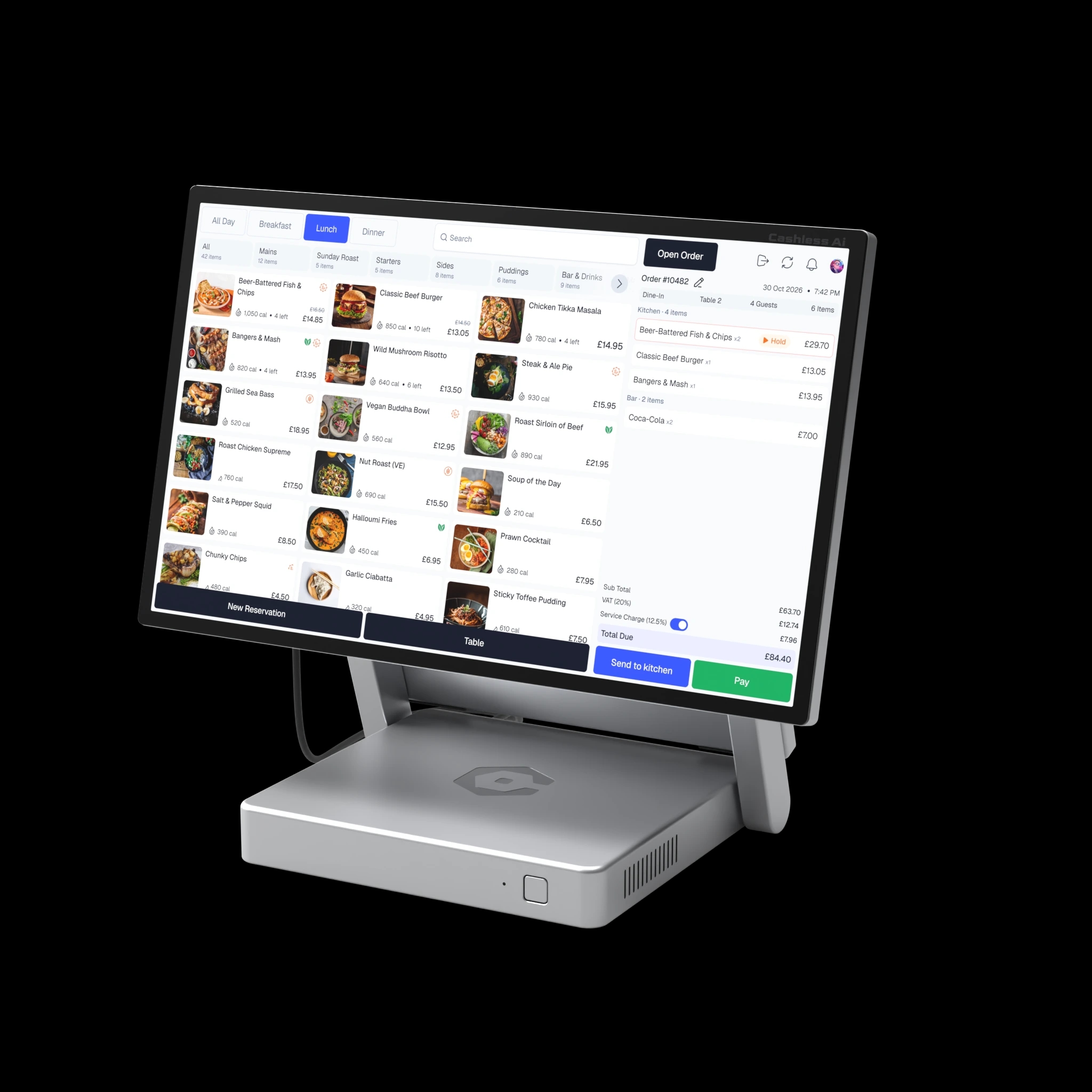
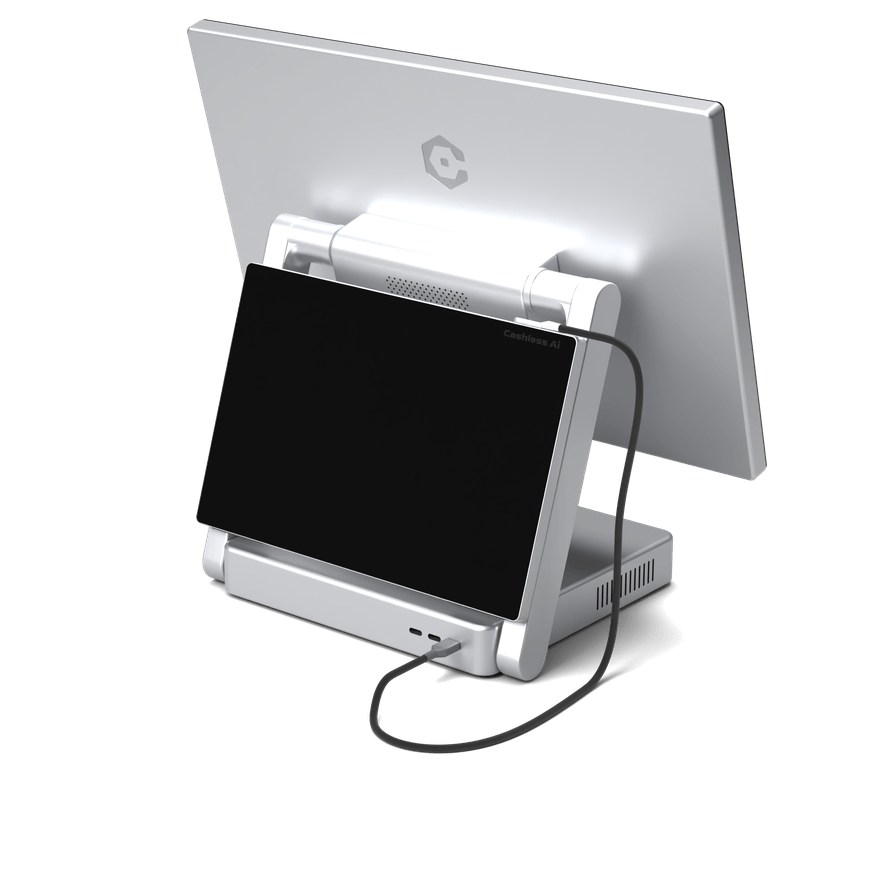
A 15.6-inch till for your team and a 10.1-inch display for your guests. Docked together, or apart.
Cashless AI Terminal

Guest Display

A 15.6-inch till for your team and a 10.1-inch display for your guests.

Revenue, orders, stock and staff update as service happens. Open the dashboard in any browser, wherever you are.

Sales by hour, order type and category, payment methods and staff performance.
Draw your floor plan once, then watch every table live.
Courses, add-ons, ingredients and photos, kept in one place.
Receive by batch and use the soonest-expiring first, with waste logs.
Bookings with card or cash deposits, booking types and no-show tracking.
Four roles and 41 permissions you can adjust person by person.
Made to be wiped down, knocked by trays and looked at by guests — every night.

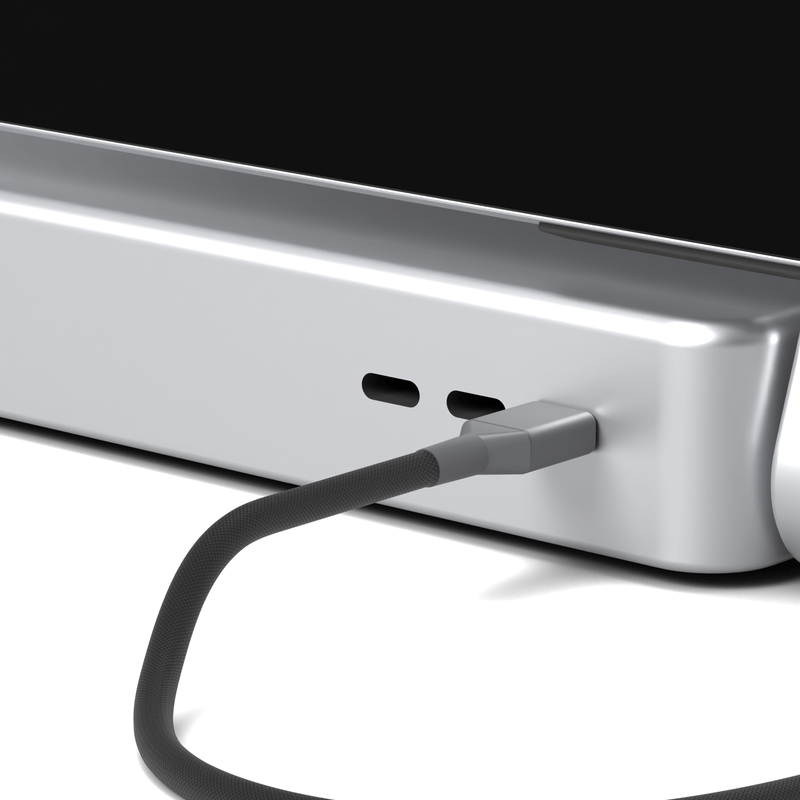
Dock the guest display with a single connection.

Vented, sturdy and built to stay put.

Cables stay off the counter and out of the way.
A retail till rings up a sale. Cashless AI POS runs the whole service.
| WHAT CHANGES | Cashless AI POSBuilt for restaurants | A typical retail tillBuilt for shops |
|---|---|---|
| TablesHow the floor works | A live table plan. Merge, move or hand over a table in a tap. | A list of open tabs, and a server who has to remember the rest. |
| KitchenHow orders reach it | Tickets land at the right station with a timer, and courses fire when you say. | Printed slips on a rail, and a lot of shouting. |
| BillsHow guests pay | Guests tap to pay on their own screen. Split by guest or by item. | One bill, one card machine, and a long wait. |
| CashHow the day closes | Float, pickups, till count and a Z report — every movement logged. | A calculator, a notepad and a best guess. |
| NumbersWhen you see them | Live on the dashboard, from any browser, while service is still running. | In tomorrow's export, if someone remembers to run it. |
How the floor works
Cashless AI POS
A live table plan. Merge, move or hand over a table in a tap.
A typical retail till
A list of open tabs, and a server who has to remember the rest.
How orders reach it
Cashless AI POS
Tickets land at the right station with a timer, and courses fire when you say.
A typical retail till
Printed slips on a rail, and a lot of shouting.
How guests pay
Cashless AI POS
Guests tap to pay on their own screen. Split by guest or by item.
A typical retail till
One bill, one card machine, and a long wait.
How the day closes
Cashless AI POS
Float, pickups, till count and a Z report — every movement logged.
A typical retail till
A calculator, a notepad and a best guess.
When you see them
Cashless AI POS
Live on the dashboard, from any browser, while service is still running.
A typical retail till
In tomorrow's export, if someone remembers to run it.
Book a demo and we’ll set Cashless AI POS up with your dishes, tables and team.